
Your people.
All the context.
The conversation. The little details. The thing you promised.
Bring them together in a calm space on your Mac.
Apple Silicon · macOS 14+ Early access
FOR THE PEOPLE YOU WANT TO KEEP CLOSE
You remember the person.
Reliox keeps the context.
A friend’s update. A promising introduction. A follow-up from last week. Give the details a home, so being thoughtful takes a little less effort.
ONE SPACE, A LITTLE MORE HEADSPACE
From “where was that?”
to “I’m on it.”
Conversations, people and next steps.
Connected by context, at your pace.
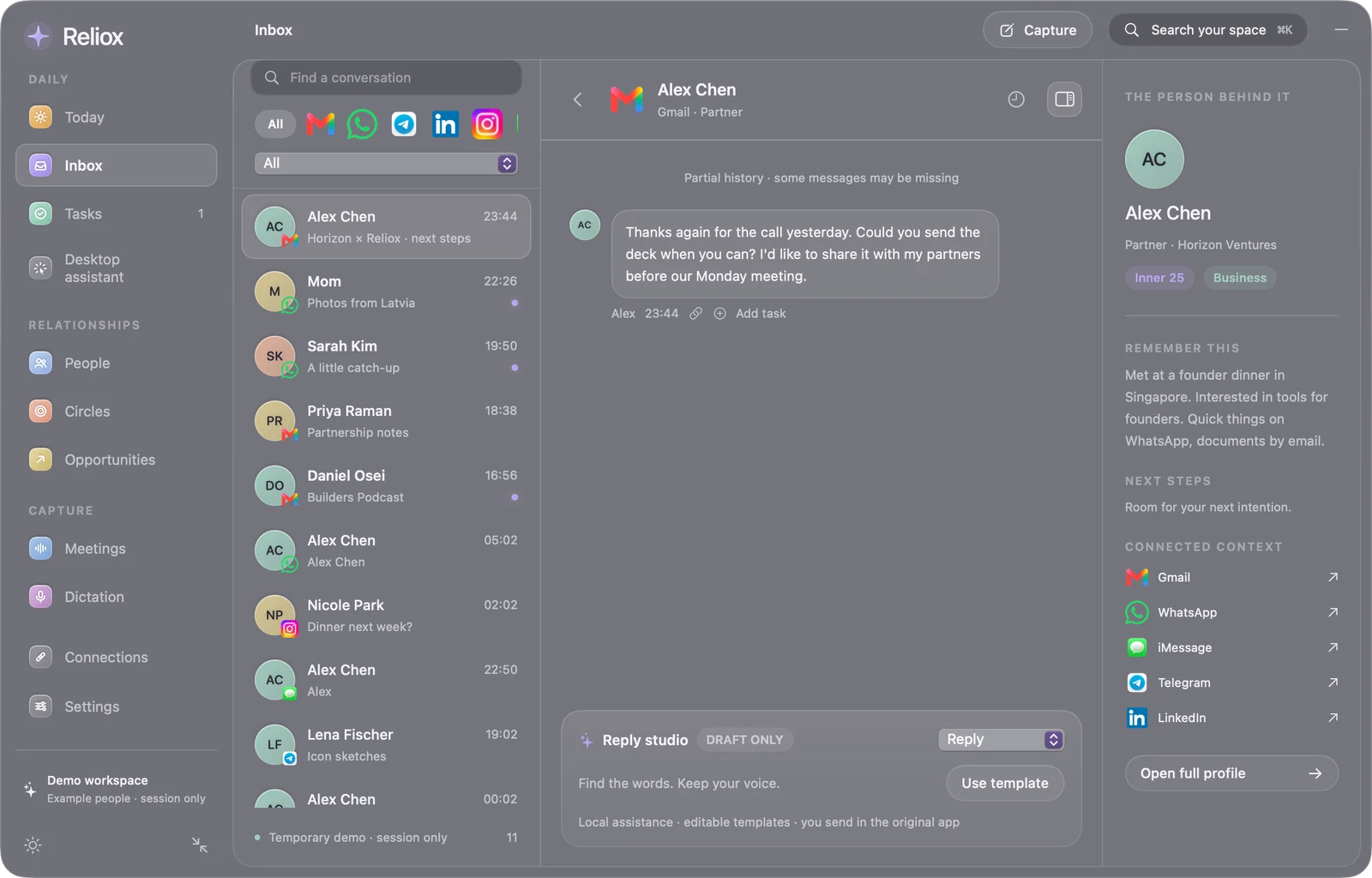
Pick up the thread.
Keep the person in view.
Read selected or imported conversations alongside the notes, history and next steps for that person.
Start with pasted context or a reviewed chat export. Optional account connections have their own setup and coverage limits.
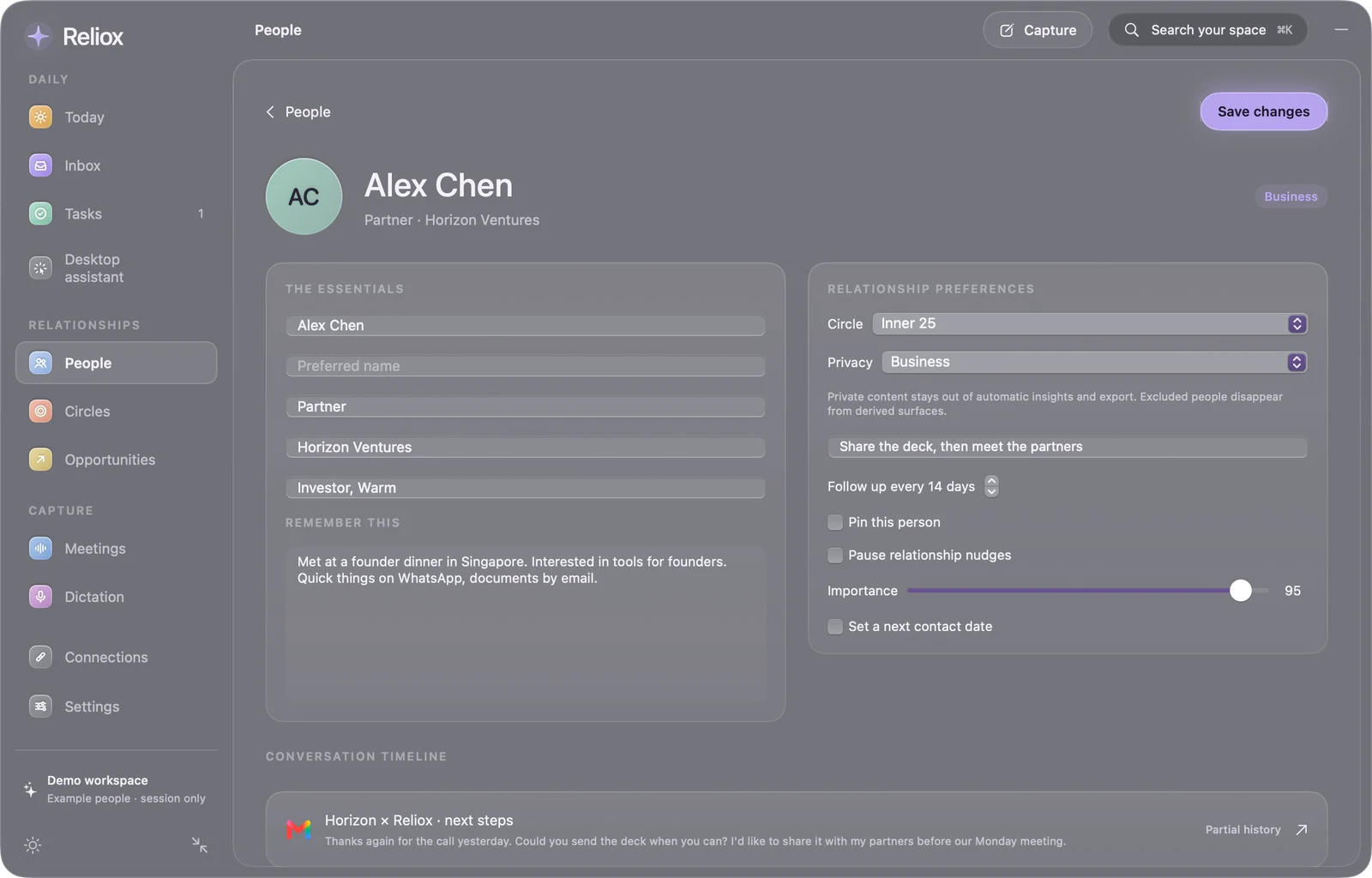
A person.
More than a profile.
Remember how you met, what matters to them and where you left off. Organize people into circles that make sense to you.
Add notes, choose a follow-up cadence and keep personal and work context clearly scoped.
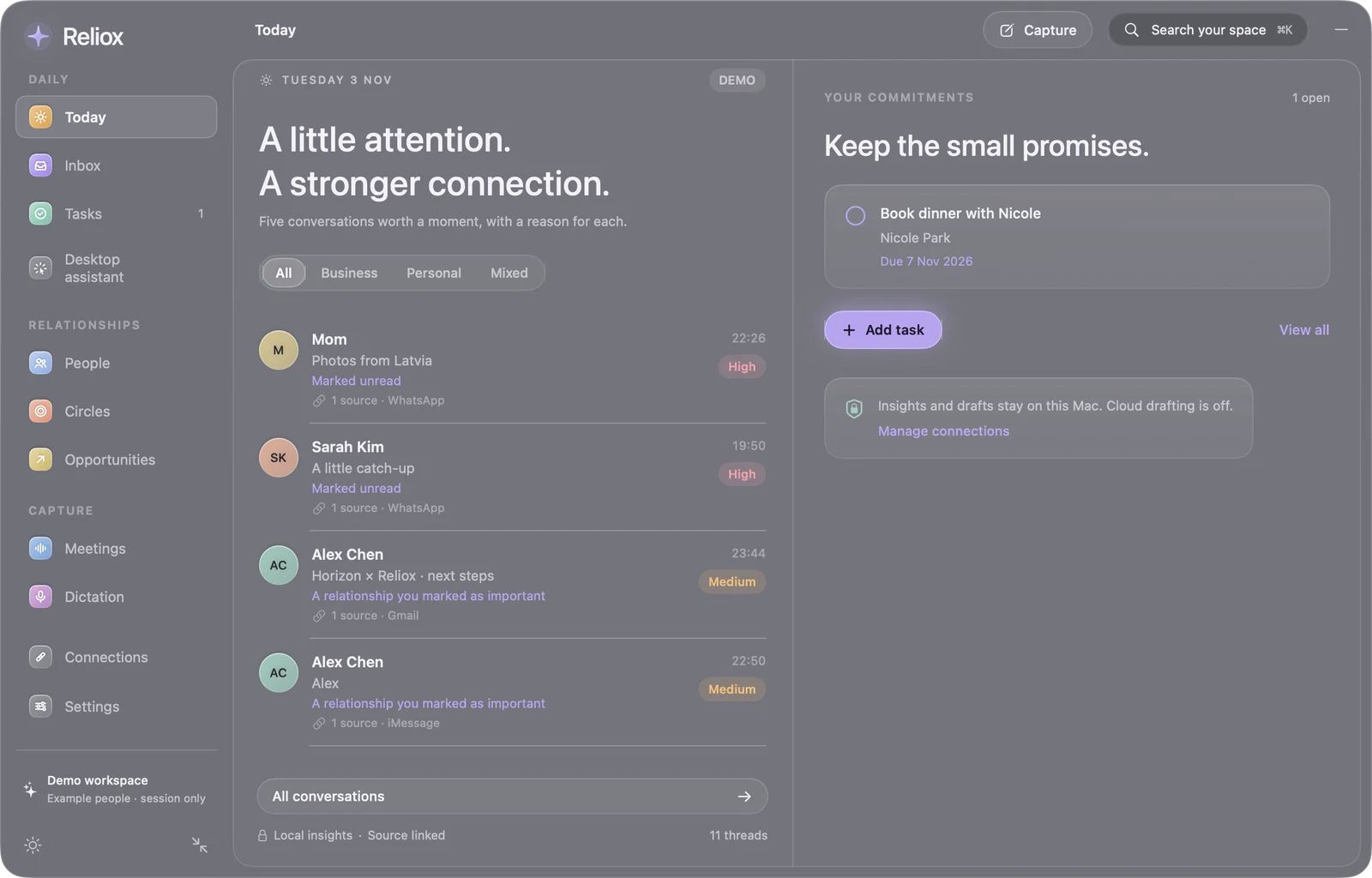
The next small thing.
Right where you need it.
See the conversations and follow-ups that need your attention. Turn a promise into a task beside its original context.
Review why something is highlighted. You decide what matters, what to do and when.
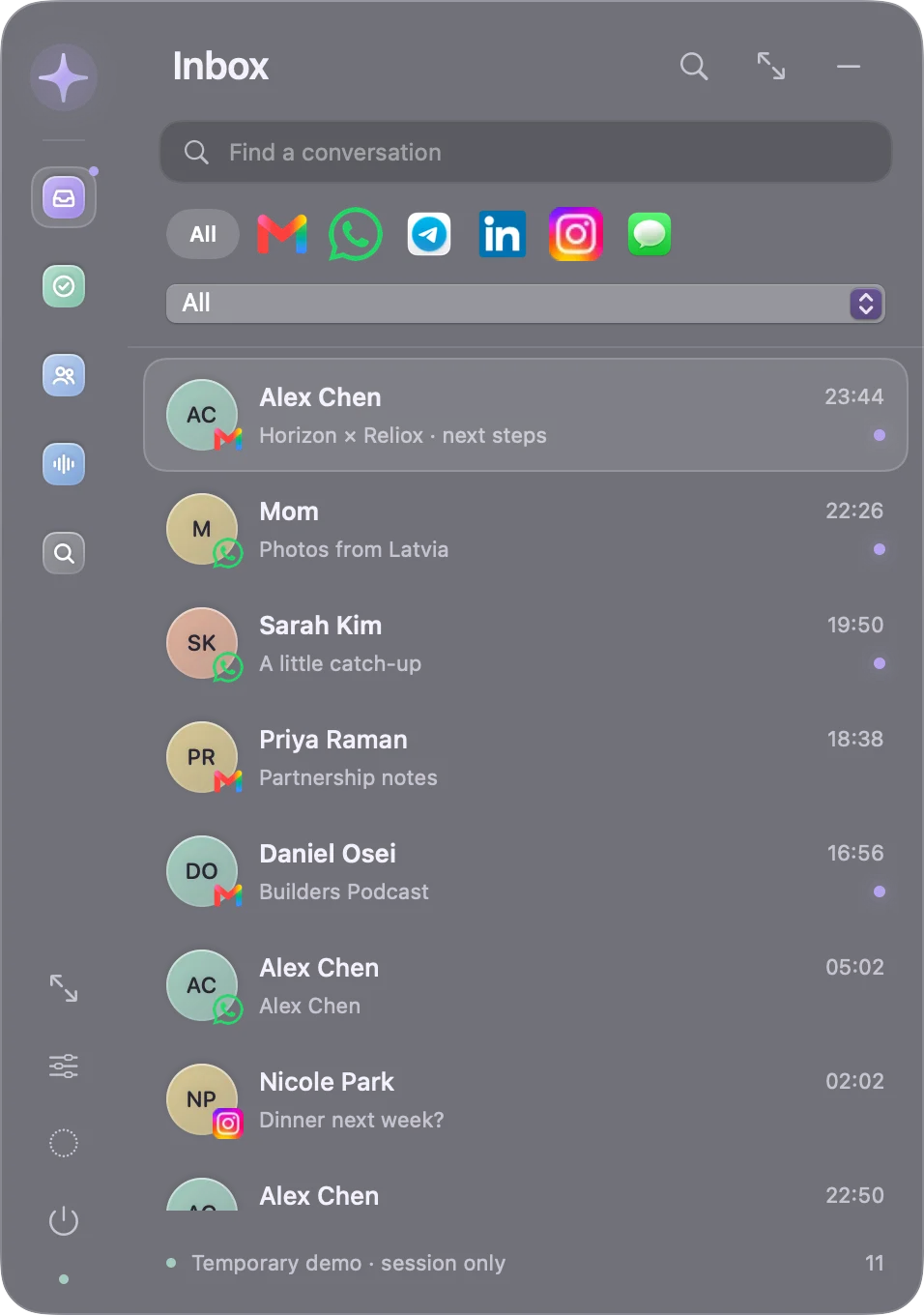
PRESENT WHEN YOU NEED IT
A small presence.
A bigger picture.
A star on your desktop. A quick inbox. A full workspace when it’s time to focus. Reliox opens up with the task, then gets out of your way.

“Let’s catch up next week.
I’ll bring the first draft.”
STAY IN THE CONVERSATION
Be there.
Bring the words along.
Capture a thought or a meeting with local English transcription. Review the words, correct speaker labels and save the next step.
Recording starts with your click and a visible indicator. Microphone and system audio need macOS permission.
A CLOSER LOOK
One person.
The whole thread.
Follow a conversation from scattered messages to a clear next step. A two-minute look inside the Mac app.
Recorded walkthrough · Example conversationsYOUR CONTEXT IS PERSONAL
Keep it close.
Keep the choice.
Your saved workspace is encrypted on your Mac. Start without connecting accounts. Optional cloud drafts show the exact context before you choose to share it.
How Reliox handles your dataSTART SMALL
A little closer.
In a few minutes.
No account needed to explore.
No inbox to connect on day one.
- 01
Make a little space.
Download Reliox for your Mac. Move it to Applications and open it.
- 02
Get a feel for it.
Explore the temporary demo. Sample people and conversations are ready to try.
- 03
Bring your own context.
Open your encrypted space. Add a person, paste a conversation or capture a thought.
A FEW THINGS TO KNOW
Before you
make space.
What can I download today?
Reliox 0.9.0 is an early-access native Mac development build for Apple Silicon, running macOS 14 or later. It includes a temporary demo, an encrypted local workspace, person profiles, tasks, conversation capture, and local voice features. It is ad-hoc signed and has not been notarized by Apple. See compatibility and installation details.
Do I have to connect my accounts?
No. Start with the temporary demo, then add your own notes, people, tasks and selected conversation context. Gmail, Apple Messages and optional Beeper connections have separate setup requirements. Imports are snapshots. Live account compatibility is still being tested.
Does Reliox automatically send messages?
Ordinary reply tools create drafts for you to review and copy. The experimental desktop assistant has a separate, attended WhatsApp/Telegram flow that requires approval for each send attempt. Live messaging remains unverified, and it is not an autonomous inbox manager.
Can I use it on Windows, my phone or in a browser?
The current download runs on Apple Silicon Macs. You download it through your browser, then use it as a native Mac app. Windows, Intel Mac, iPhone, Android and browser app versions are not available in this release.
Is the early-access download free?
There is no charge for the current early-access download. Optional third-party services or models may require their own account, subscription or setup. No future pricing is promised.

LESS TO HOLD IN YOUR HEAD
A little space.
For your people.
Start with one conversation. See where it takes you.
Download for MacMac with Apple Silicon · macOS 14+ · Early access